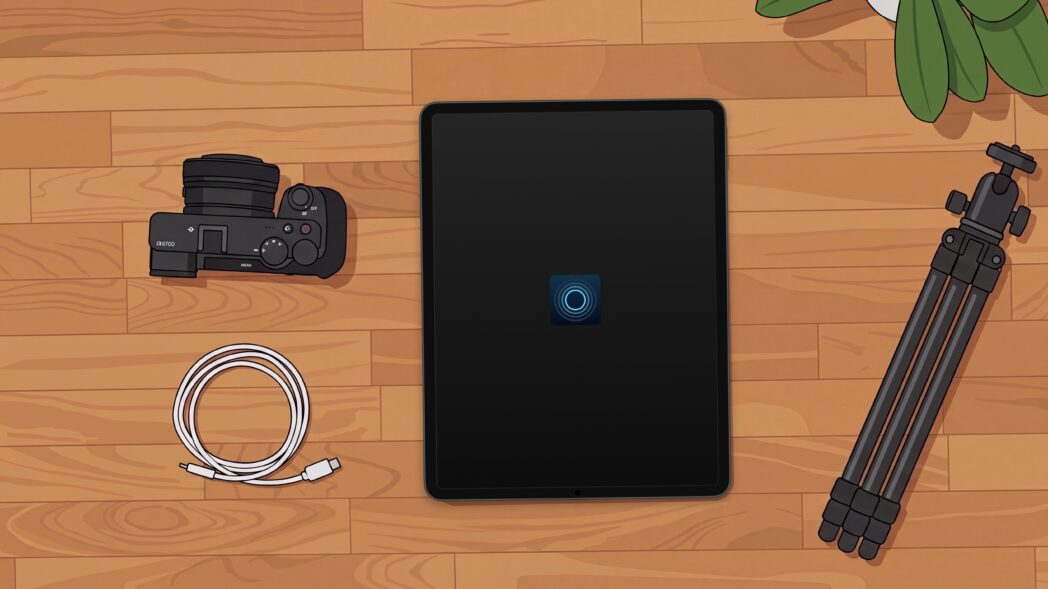
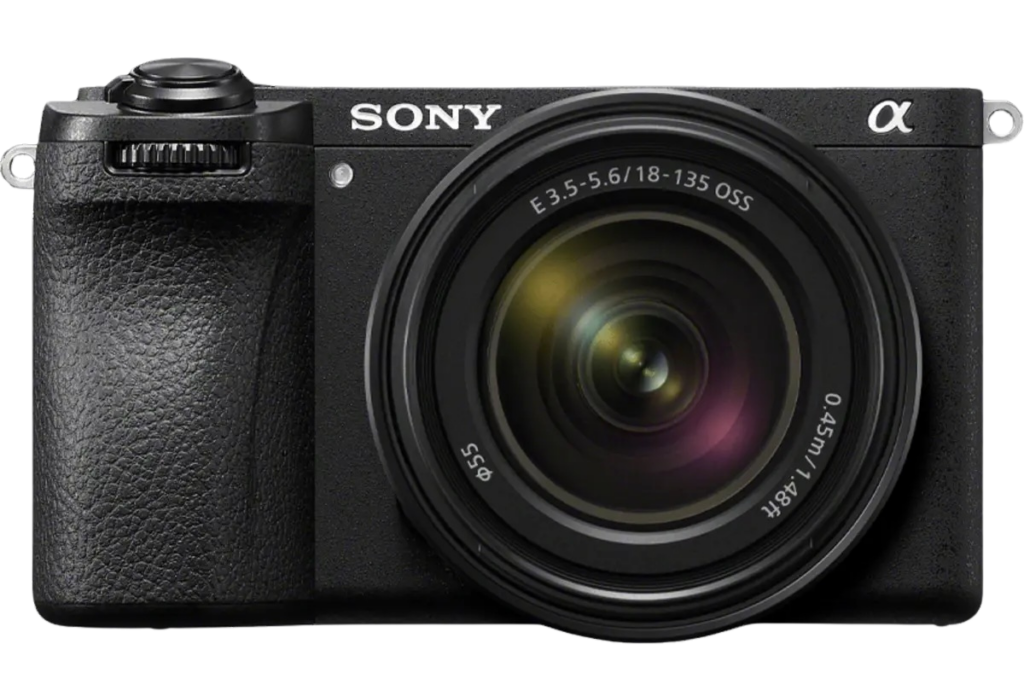
If you’re a Sony photographer looking to add a DSLR photo booth to your offerings, Simple Booth is now the perfect choice.
We’re excited to announce the Simple Booth HALO photo booth app now fully supports Sony mirrorless cameras.
Sony cameras are known among photographers for their high quality image sensors, stunning low-light performance, and industry-leading dynamic range. Now you can have all of these qualities in your photo booth captures, too.
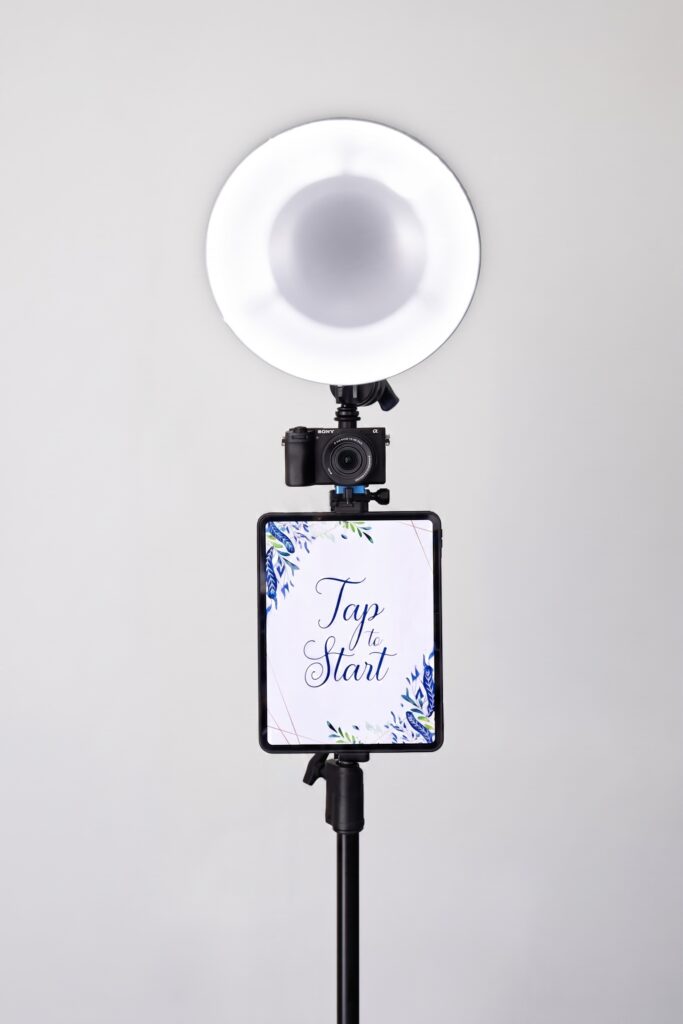
HALO is the iPad-based photo booth app businesses and brands use to create memorable, on-brand photo experiences. Now it’s more flexible than ever, allowing you to either grab an iPad and go, or step up to a full DSLR photo booth for crisp, professional images.
Sony compatibility joins existing Canon camera support and is part of a bigger wave of updates from the past few months. These range from an in-app camera setup wizard to a smarter dashboard and an expanded AI studio for creating transformative experiences. Here’s what it all means for your business.
Introducing Sony Camera Support
Sony cameras are a favorite among event photographers, prized for sharp detail and reliable results. Now you can bring yours straight into the HALO app, with support for a growing lineup of Sony models. If you already shoot on a pro camera, this update is especially for you.
It’s a small change with a real impact on how you work:
- More flexibility. Use the Sony camera you already own instead of working around your equipment. More choice means less friction and less new gear to buy.
- Professional image quality. A DSLR photo booth delivers the sharp, polished photos and video that high-end and branded events expect. That’s the kind of result that gets shared—and gets you rebooked.
- Sony’s strengths, working for you. Autofocus is fast and accurate enough to keep up with moving guests, and low-light performance has dim venues covered.
How to Connect a Sony Camera to Simple Booth
Connecting a Sony camera to the HALO app is quick and easy.
You can plug it in over USB for long-event reliability, or go wireless over WiFi for more creative angles. Then select Remote Shoot (PC Remote) on the camera, and the new in-app setup wizard walks you through the rest. Choose whether to keep or discard photos on the camera, set your orientation, and you’re ready to shoot.
Ready to see it in action? This quick walkthrough shows the whole flow, from start to finish.
If your DSLR or mirrorless camera ever disconnects, the HALO app reconnects automatically or falls back to the iPad camera so your event keeps running smoothly. You can manage a connected camera anytime from the Preflight Check screen, including memory card backup and orientation, per camera.
Quick tip: Before connecting a Sony camera, update to the latest firmware. Some features rely on capabilities added in recent updates, especially on cameras released in 2020 or later.
The HALO app supports a growing lineup of Sony cameras. A few popular picks, by need:
- Versatile stills and video: Sony Alpha 7 IV, Alpha 6700
- Great in low light: Sony A7S III
- Events in warm temps: Sony FX30 (video-focused, with built-in cooling)
- Budget-friendly (stills only): Sony Alpha 6400 or A6100
For recommended settings and the full list of supported Sony models, see our Sony setup guide.
DSLR and mirrorless capture (Sony and Canon) is available now on the Core plan and up. For full pricing details, including plan options and credit information, visit our pricing page.
Plus, the Whole Platform Keeps Getting Better
We’re on a mission to make photo booths more accessible for businesses. Here’s a closer look at what’s new across the dashboard, the HALO app, and AI effects.
On the Web Dashboard
The redesigned dashboard brings your plan, devices, uploads, and presets into a single view.
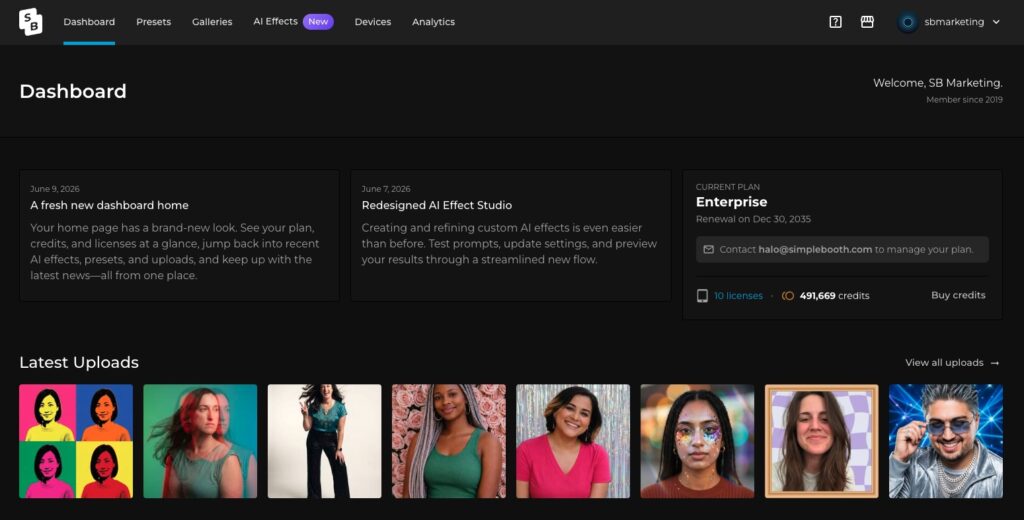
From there, a wave of upgrades makes managing everything easier:
- A new account-wide uploads page to find any photo by preset, gallery, or device
- Upgraded license management with bulk controls
- Bulk archiving for presets, galleries, and devices
- Smarter preset sharing (assign Operator or Editor access) and copying
- Enable or disable layouts to hide one instead of deleting it
- Cleaner gallery editing with a live preview and LiveFeed™ side by side, plus email added to your sharing options
In the HALO App
The HALO app picked up some upgrades for on-site use, too:
- USB mic support for cleaner audio on video captures
- Per-camera DSLR settings for SD card backup and orientation
- Re-share your 10 most recent uploads right from the Queue screen
- Full localization in Spanish, French, German, Italian, Japanese, Chinese, and Czech, with more to come
A Smarter AI Effect Studio
The new, streamlined AI Effect Studio™ makes creating and refining custom effects smoother than ever: test prompts, update settings, and preview results in one flow. The library is now 100 effects strong and growing, with fresh additions like Velvet Curtains, Y2K Icon, and Butterfly Send-Off.
Learn to build AI photo booth experiences in this comprehensive training video.
With the new Sony compatibility and this recent wave of updates, Simple Booth helps you spend less time on logistics and more time delivering experiences that delight guests and win business. And it all works as one connected platform, ready for whatever your next event calls for.
Capture Every Event Your Way
Here’s the best part about the constantly improving Simple Booth platform: you can keep your setup simple, or add powerful DSLR or mirrorless camera capabilities when you need them.
For many events or activations, HALO’s built-in tools deliver beautiful, share-worthy images straight from the iPad—no extra gear required. Glam adds a polished finish, background blur works like Portrait Mode, and AI effects can transform a simple photo into a whole new look.
When you want something more, connect your Sony camera. That turns your setup into a full DSLR photo booth for true professional-grade capture. Either way, you get the flexibility to deliver the right experience and turn it into real results.
Ready to put your Sony camera to work?
DSLR capture is available on the Core plan and up. Compare plans and pricing to get started.