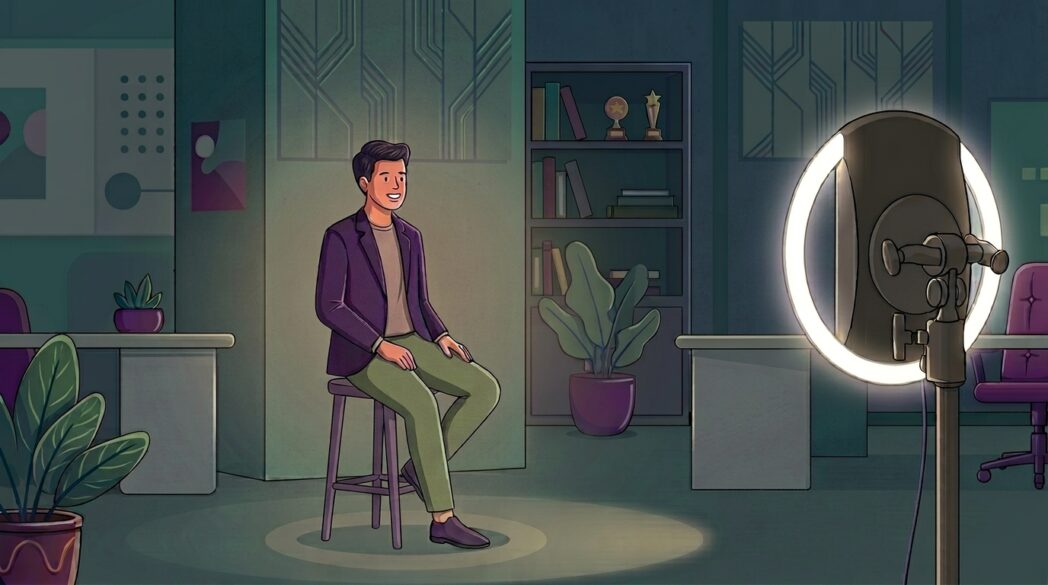
For a lot of organizations and institutions, headshots are a necessary part of the process. Maybe you’ve got a new hire to add to the directory, a student refreshing their LinkedIn profile before a career fair, or a badge photo that’s long overdue.
Typically, this means booking a photographer, coordinating calendars, and paying by the session, all while hoping you receive quality results back. But there’s an easier way, and it doesn’t even require a studio or staff photographer.
One platform, multiple ways to capture
With Simple Booth, you can run a headshot photo booth in-house and capture clean, consistent photos on your own. Better yet, the setup keeps paying off long after the shoot is over.
There are essentially two ways to capture, plus one way to make the photos look their best:
- HALO hardware and app: an in-person iPad booth with consistent, controlled lighting
- Virtual Booth: a web-based option people use from their own devices, with whatever light is around them
- AI Effects: an add-on for either that polishes every photo, with no backdrop or extra lighting needed
You can start with the basics and add more whenever you’re ready. Now, let’s explore these options in detail.
All-in-one hardware and software for total control
When it comes to headshots, the difference between a forgettable and flattering one usually comes down to lighting, and the easiest way to control lighting is with hardware.
The HALO kit runs the HALO app on an iPad, built around studio-grade lighting and a durable aluminum body. That built-in light means the first person in line and the last one look like they were shot at the same time, in the same place.
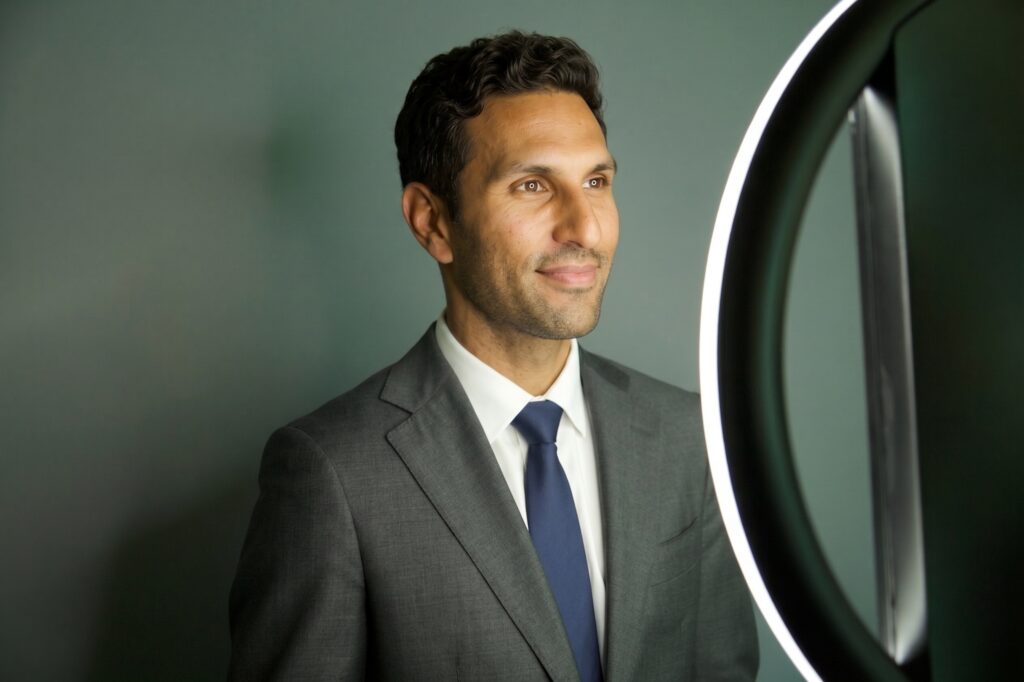
Build one headshot experience in your dashboard, and everybody gets the same framing, crop, and finish automatically. No art direction required.
After capture, your photos get some extra polish, too. The app includes high-end background blur and bokeh for that DSLR look, and the Glam filter smooths skin just enough to look fresh, but not overdone.
You can also switch on filters, an optional edit tool, and a retake button is always available, so everyone leaves with a shot they actually like.

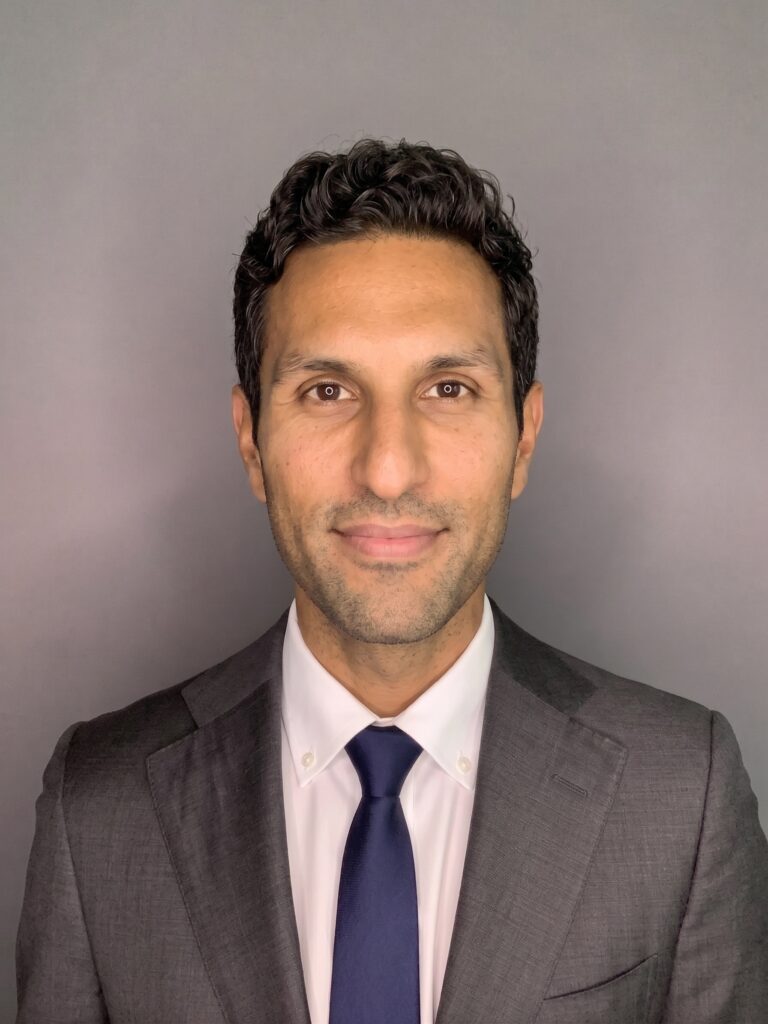
To take it a step further, you can display pose tips right before a frame is captured, so people get a little coaching before the countdown. A few that work well for headshots:
- Angle your shoulders slightly instead of squaring up to the camera
- Bring your chin a touch forward and down to define your jawline
- Relax your shoulders and go for an easy, natural smile
- Look right into the lens
Running a badge day? Add your logo and an editable text field to the photo layout, and each capture doubles as a name badge or conference ID people can make on the fly. Pair it with a compatible printer and they can even walk away with a printed copy.
Set HALO on the portable stand for a quick pop-up station, or mount it on the wall for a permanent spot people can use anytime. If people can’t make it to the in-person booth, that’s exactly what Virtual Booth is for.
A web-based booth for capturing anywhere
Not everyone’s in the same location, and shipping gear around isn’t always worth the hassle.
Virtual Booth is a web-based experience separate from the HALO app but under the same roof. It opens right in a browser with nothing to download, just share a link or a QR code.
From there, people grant camera access and snap their own headshot on whatever device they’ve got, whether they’re in another office or working from the kitchen table.

For distributed and remote teams, a virtual option is the fastest way to gather everyone’s photo without scheduling a thing.
The catch? Lighting is now up to whoever’s holding the phone. A couple of quick tips in your instructions go a long way:
- Face a window or a bright light
- Avoid harsh overhead lighting
- Hold the camera at eye level
If you want to make the process even smoother, that’s exactly what AI Effects are for.
AI effects for an effortless, professional finish
This is where either option levels up. AI Effects work in both the HALO app and Virtual Booth, transforming the photo the moment it’s captured. For headshots, they’re a perfect match.
First up is background replacement. You can drop in a virtual background right in the HALO app or Virtual Booth. But AI Effects take it further, handling the background and the lighting in one go. If your lighting isn’t great, that’s the best way to get really solid results.
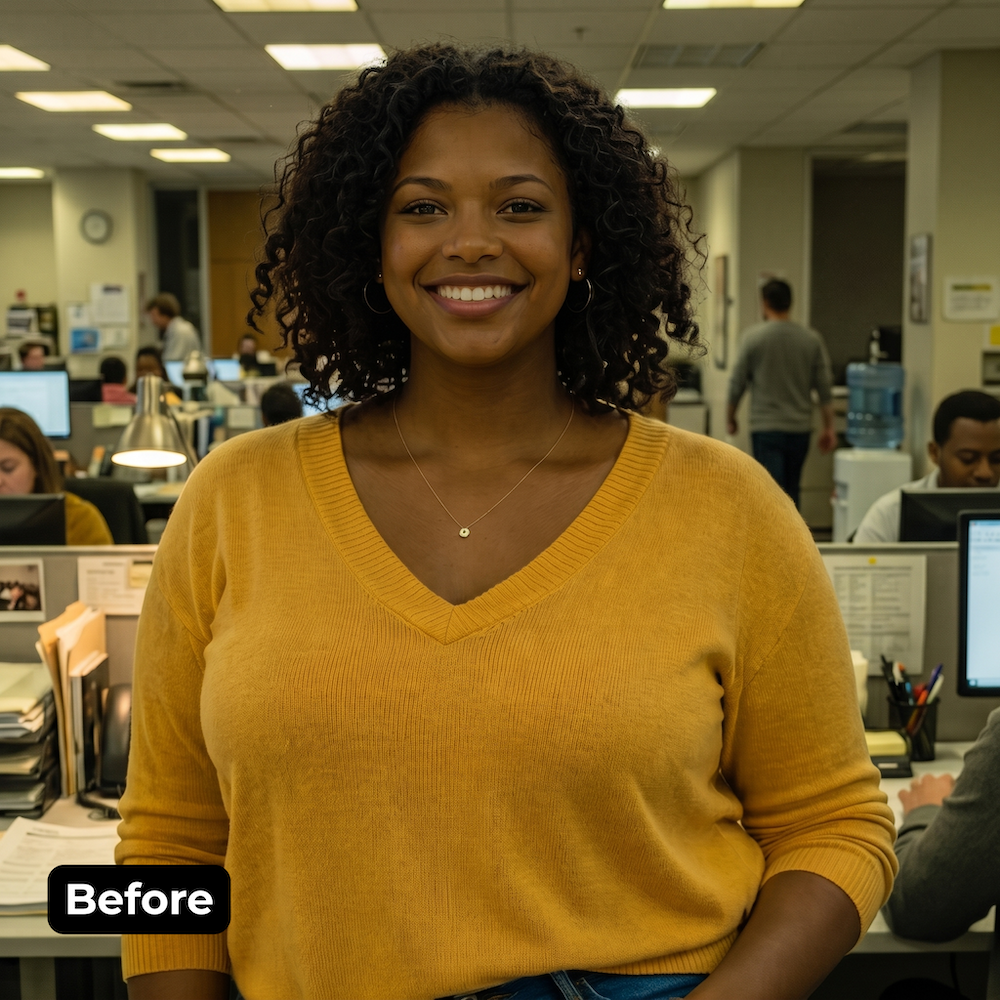
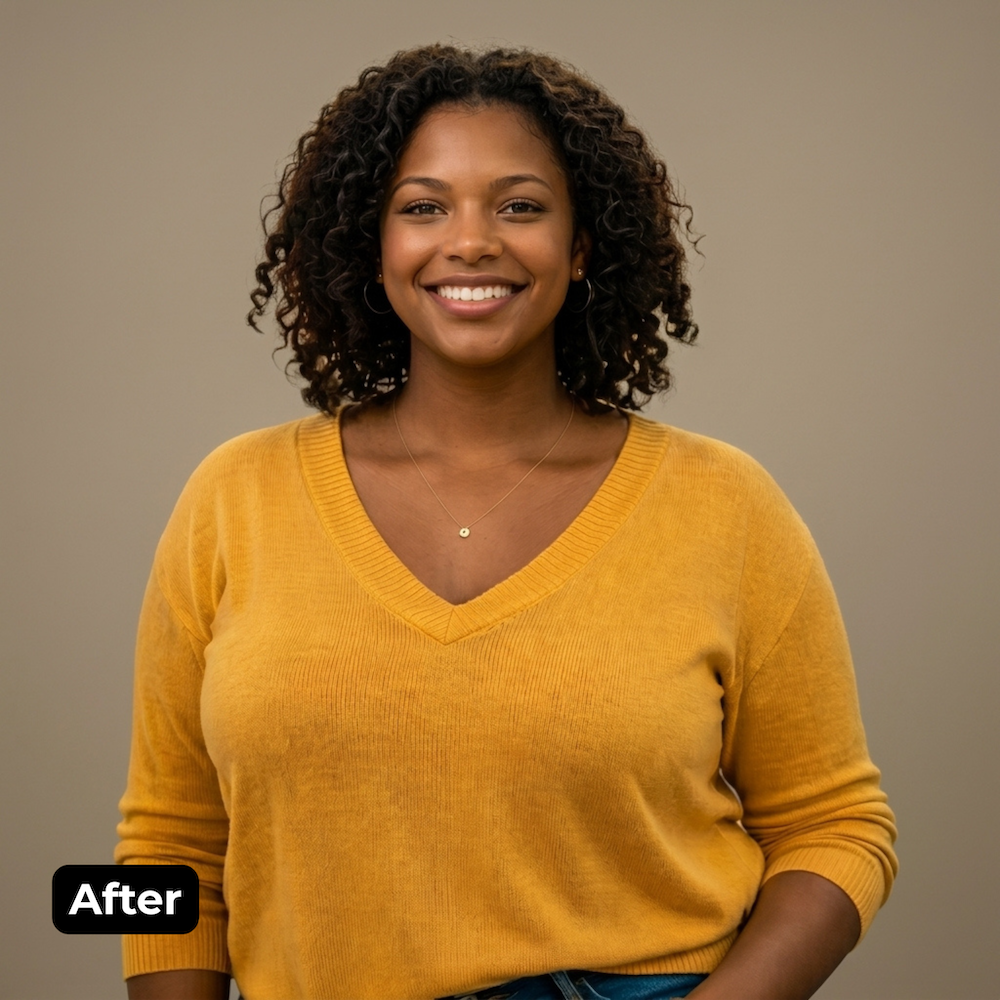
A couple of effects are especially handy for headshots. The Backdrops library gives you a whole set of walls to choose from, including polished options like the Studio Backdrop and Pro Backdrop. These effects let you place everyone in the same environment, so every headshot matches no matter which room it came from.
Then there’s Portrait Mode, one of the Camera Effects. It adds a quick lighting touch-up and blurs the background, turning an ordinary photo into something that looks studio-lit. That’s a big deal when the only “studio” available was the corner of the corporate office.
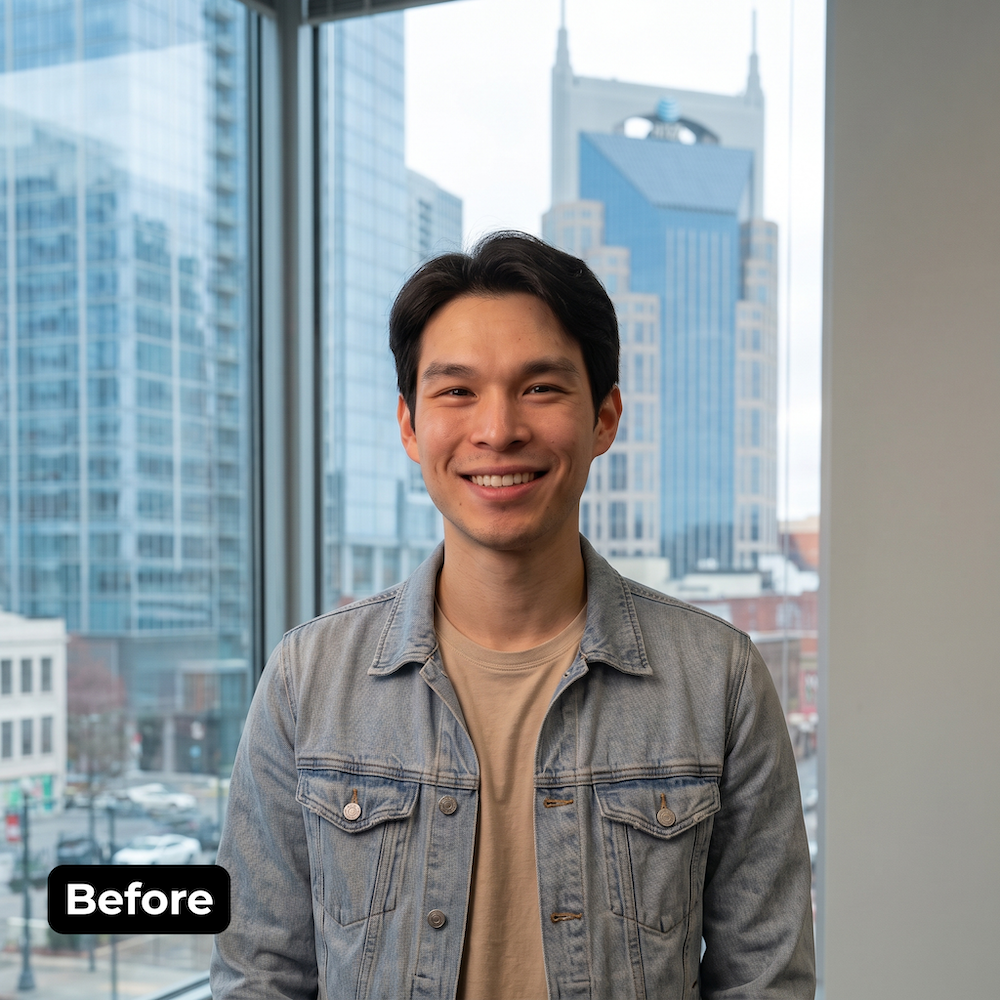
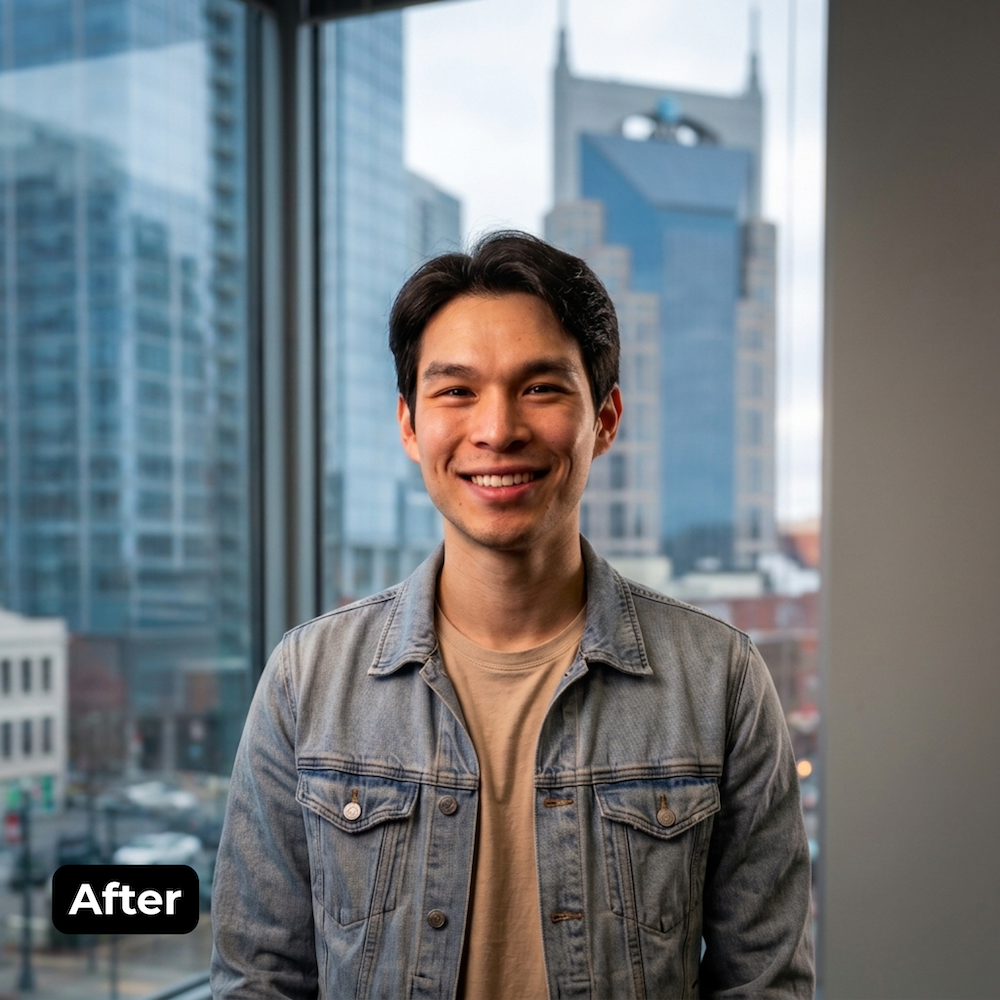
One thing to keep in mind is that AI Effects run on account credits and need an internet connection to generate, so it’s smart to test your network before a big headshot day.
Let’s Talk
Our photo booth experts are ready to help.
Beyond the shoot
Participants can text, email, AirDrop, or WhatsApp their headshot to themselves on the spot. From there, every photo is uploaded to an online gallery where participants can download or share to LinkedIn or other social platforms.
Your team can also download the whole set at once for the directory or badge system. If you’re in a regulated field like title or finance, you can set galleries to private and lean on built-in privacy controls.
Simple Booth isn’t just a headshot tool, either. Swap the experience and it’s ready for the holiday party, an all-hands, a recruiting event, or the lobby when a client stops by. Re-theme the whole thing with ready-made design assets or AI effects to match the occasion.

There’s the cost, too. Hiring a photographer is a recurring expense, often billed per session or per person every time someone new needs a headshot.
Running the booth yourself flips that math: one setup covers your whole team and every event after, so the more you use it, the less each headshot costs. Flexible software plans match how often you’ll use it, so you’re paying one predictable rate instead of a new invoice every time.
You get it for the headshots, then you end up using it for everything else.
Which approach is right for you?
If you want full control over lighting and a booth people can walk right up to, go with HALO hardware and app, on a stand or mounted to the wall. If your team’s spread out and shipping hardware around doesn’t make sense, Virtual Booth is the way. Whichever you choose, you can layer in AI Effects to swap the background and polish the lighting without the logistics.
You don’t have to pick just one, either. Run HALO on-site for your in-office team, send a Virtual Booth link to everyone remote, and let it all flow into the same gallery.
Whatever approach you choose, your team captures photos on their schedule, and you get consistent, professional results without the headache or added cost.
One booth for headshots today, and every event after. Ready to see how it works?