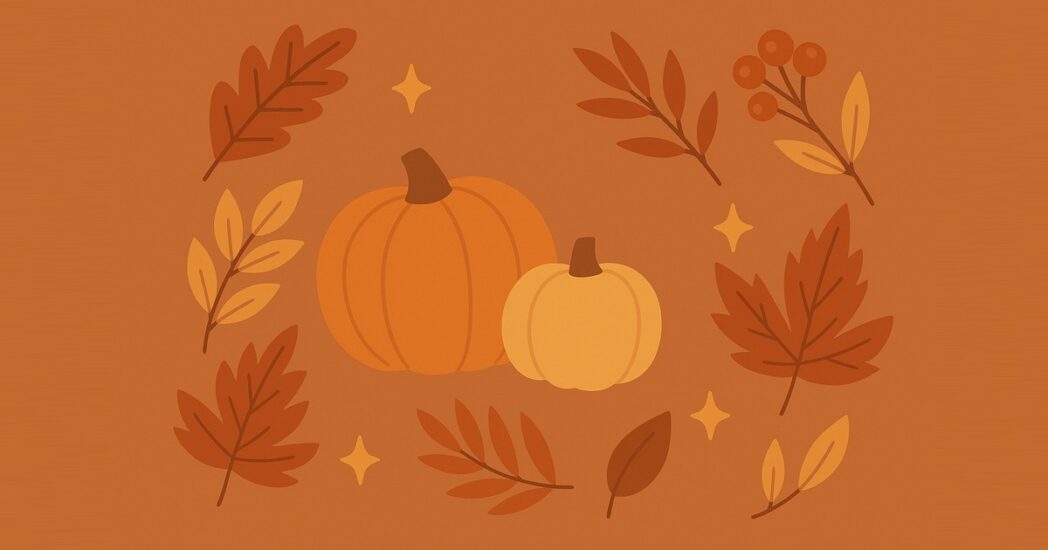
It’s the season of gatherings, gratitude, and good food. Whether you’re celebrating Friendsgiving, hosting a fall festival, or just bringing people together, it’s the perfect time to capture memories.
Here at Simple Booth, we’re extra thankful for our awesome customers—so we’ve put together a hand-picked selection of free fall and holiday photo booth backgrounds to use with the background replacement feature in the Simple Booth HALO® app.
The best part? You can get started with HALO for as little as $16 per week, making it easier than ever to bring fun, seasonal photo experiences to your events!
Festive Photo Booth Backgrounds
The images, which we’ve hand-picked from Unsplash and Pexels, are all free to use for personal and commercial use. Since sizing depends on your event settings, we’ll walk you through how to adjust them for your event at the end of this article.
Like what you see? Just right-click and choose “Save Image As” so you can use it for your photo booth background. Let’s dig in!
1. Don’t stop be-leafing
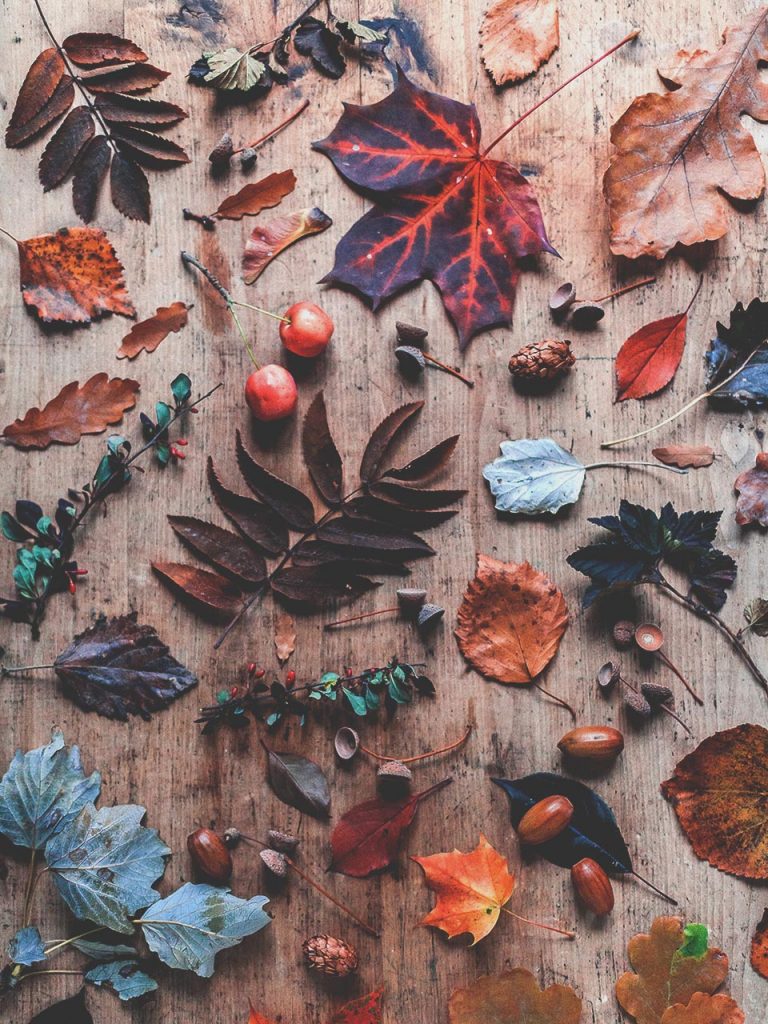
2. I only have pies for you
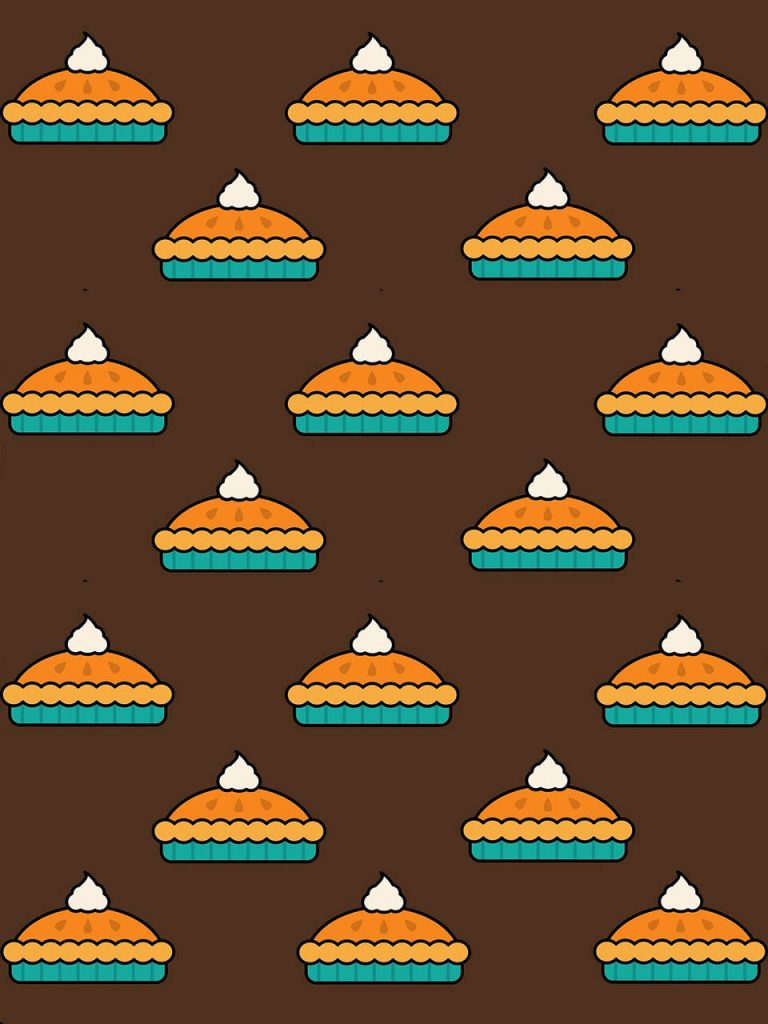
3. Go big or gourd home
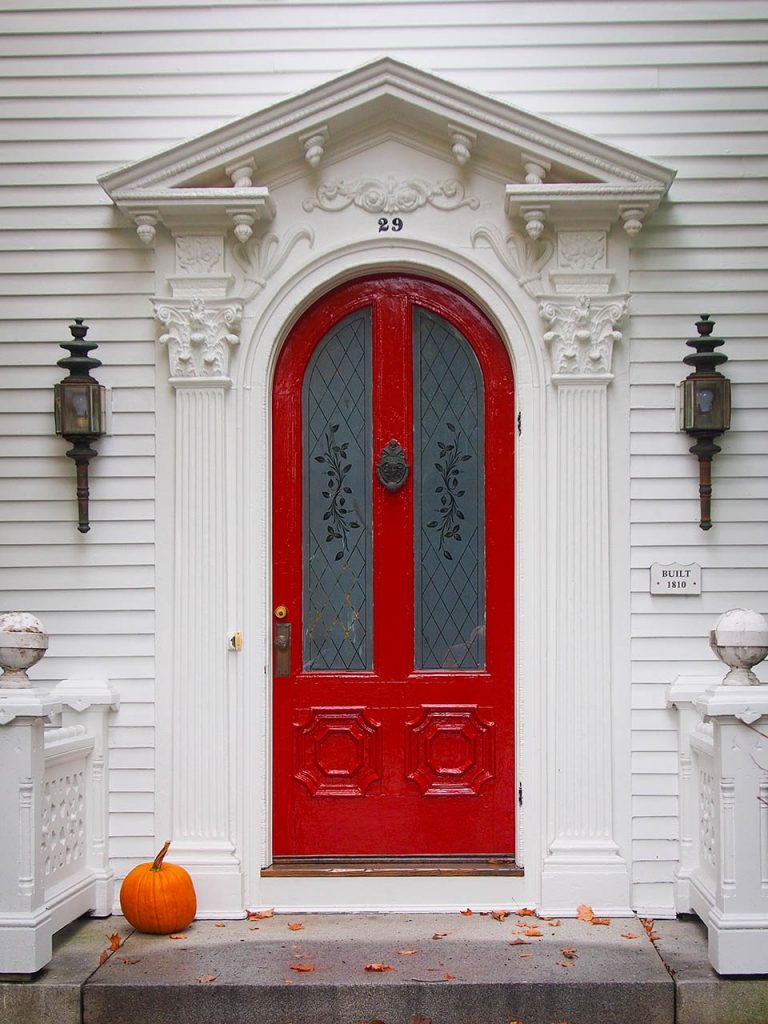
4. Fall so hard
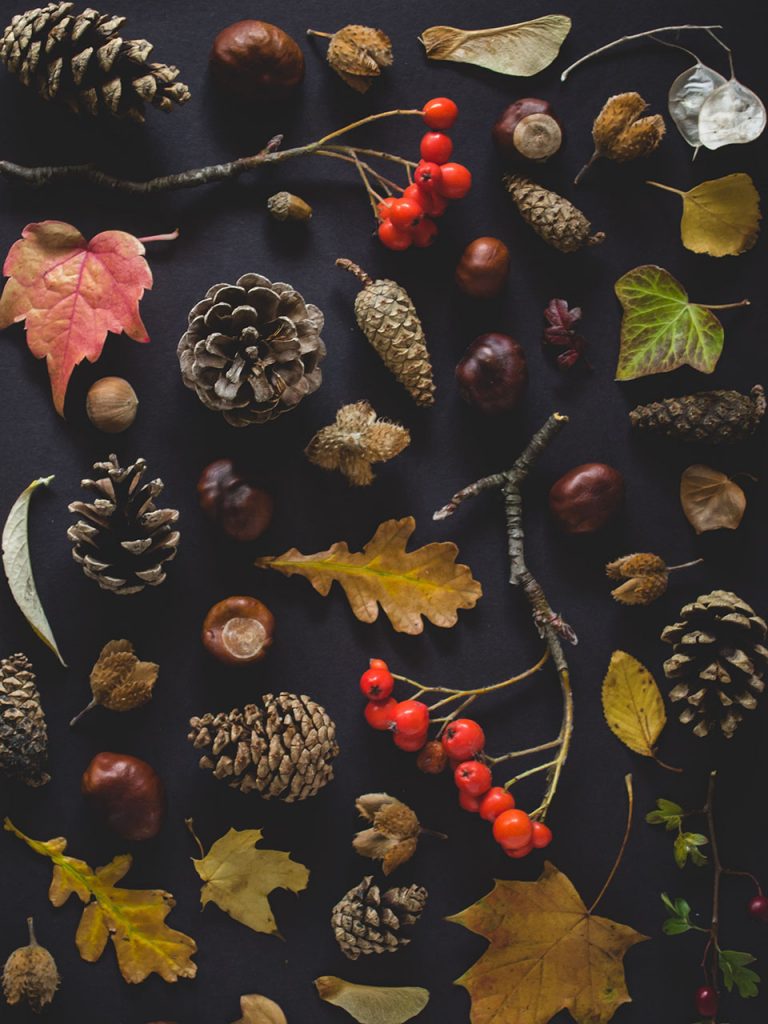
5. Let the gourd times roll
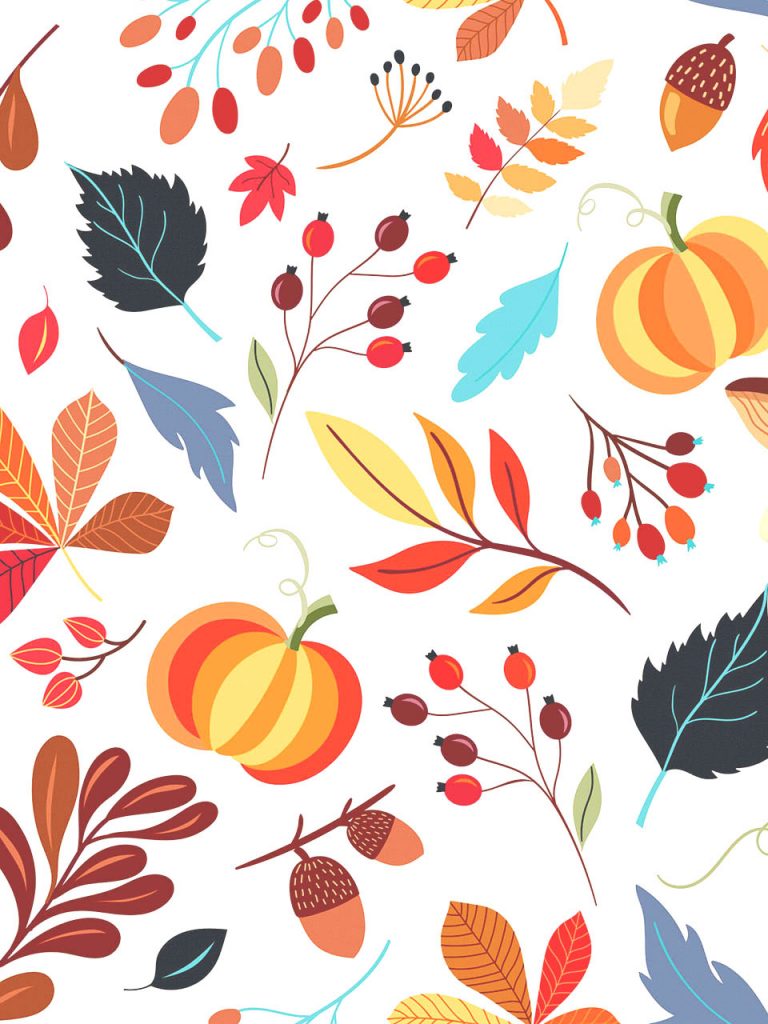
6. A leaf less ordinary
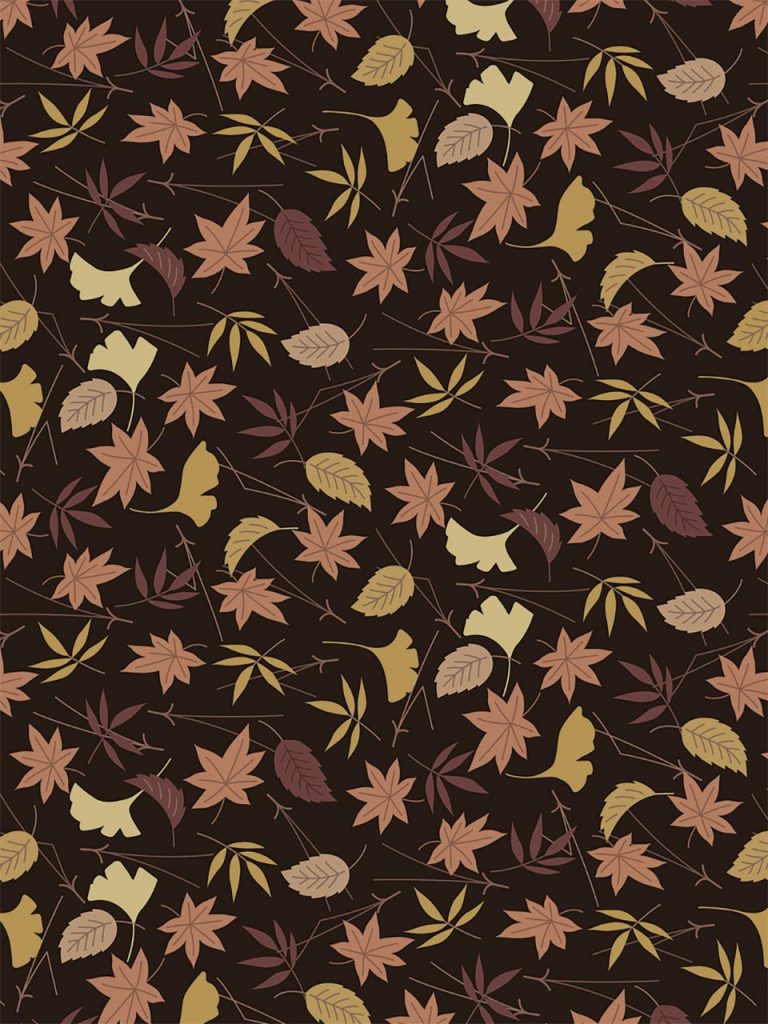
7. Every day I’m rustlin’
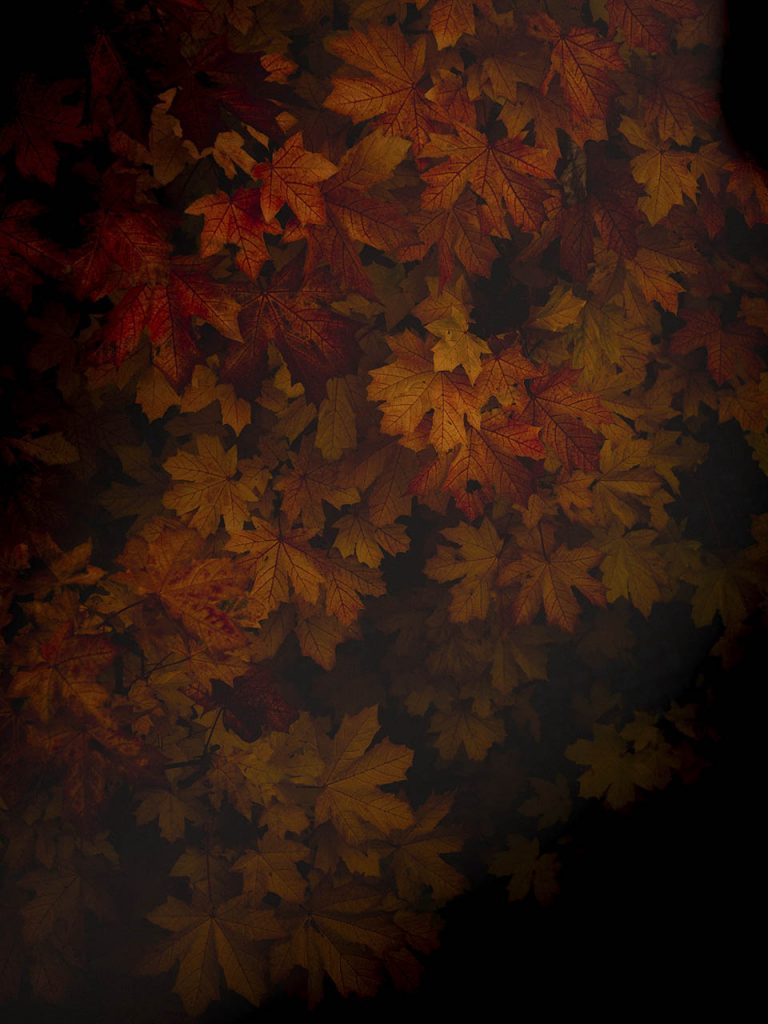
8. Gourd of the rings
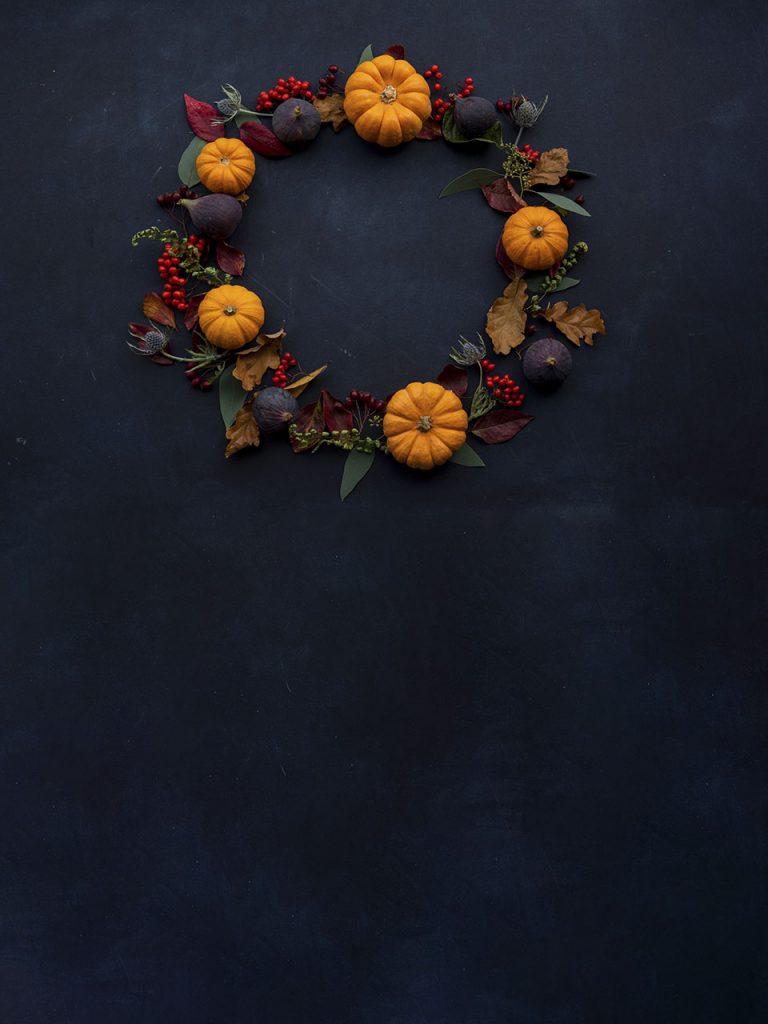
9. Sweater weather forever

10. Friendsgiving feast
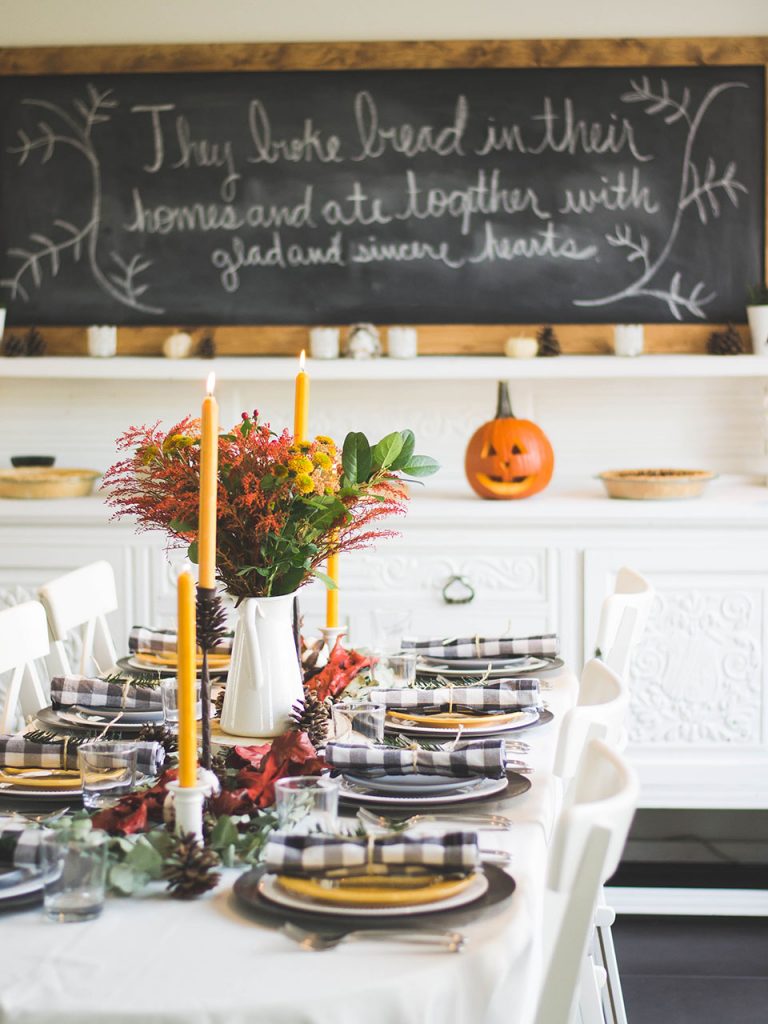
11. Thank-full hearts
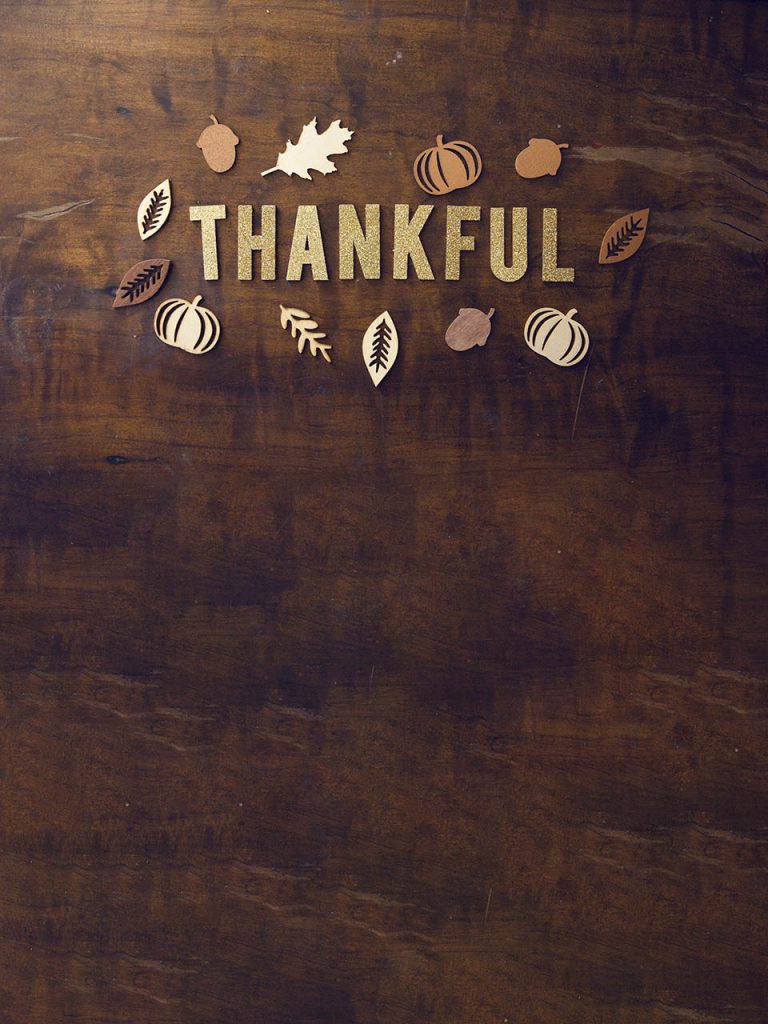
12. Last bud not least

How to setup your fall or holiday photo booth backgrounds
You can set this up from either the Simple Booth dashboard on a computer or the Simple Booth HALO app on your iPad—your presets sync across both.
- Save the backgrounds you like by right-clicking and choosing “Save Image As.”
- Create a new Simple Booth account or sign in to your existing one.
- Go to the Presets tab and create (or open) a preset for your fall or holiday event.
- Locate the Background Replacement panel and choose green screen, blue screen, or virtual, depending on whether you have a physical backdrop.
- Upload your favorite background images for your guests to choose from.
- Make sure Background Replacement is toggled on and your uploaded images are showing.
- That’s it! Launch your booth and you’re ready to party. 🥳
You can also follow this useful guide for more information on setting up background replacement with Simple Booth HALO. You’ll also learn about sizing and uploading your own custom photo booth backgrounds.
Want to add your own logo or custom overlays to your layouts? This Layout Designer walkthrough shows you how.
Want to save time? Turn on a fall-inspired theme
Simple Booth offers a variety of fall themes that you can choose from for your holiday event. We recommend checking out the Fall-O-Me and Harvest Time themes!
Here’s a preview of what the start screen will look like once you’ve chosen your theme.
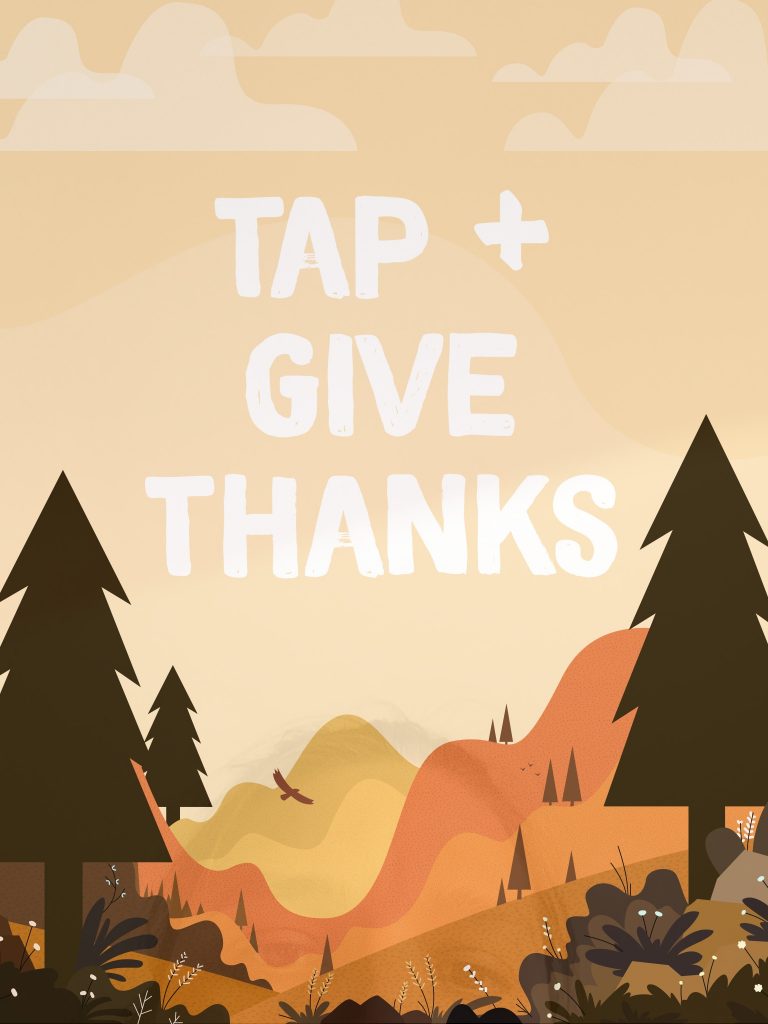
Both of the themes will also add a fall-themed overlay to your images. You can see them in the Themes section of the app—just select your favorite to activate it.
Now Let’s Give Thanks!
Between a dozen free fall backgrounds and ready-to-go seasonal themes, you’ve got everything you need to make your fall or holiday events festive, fun, and full of memories to share. Mix and match until it feels right, run a quick test shot, and you’re all set.
Thanks for being part of the Simple Booth community—we can’t wait to see what you create this holiday season! 🍂🦃
Not a Simple Booth subscriber yet?
Start a free trial and unlock the advanced marketing tools Simple Booth has to offer—background replacement, custom overlays, and more.