The AI photo booth craze has taken the world by storm.
From brand activations and trade shows to corporate events, AI-powered photo experiences are showing up everywhere. Businesses and agencies are investing in them to create buzz-worthy activations, event pros are charging premium rates, and interest is growing in the wedding market, too.
As the technology gets faster and more reliable, the event and marketing professionals who stand out are the ones who know how to guide the results, and that comes down to one skill: writing effective prompts.
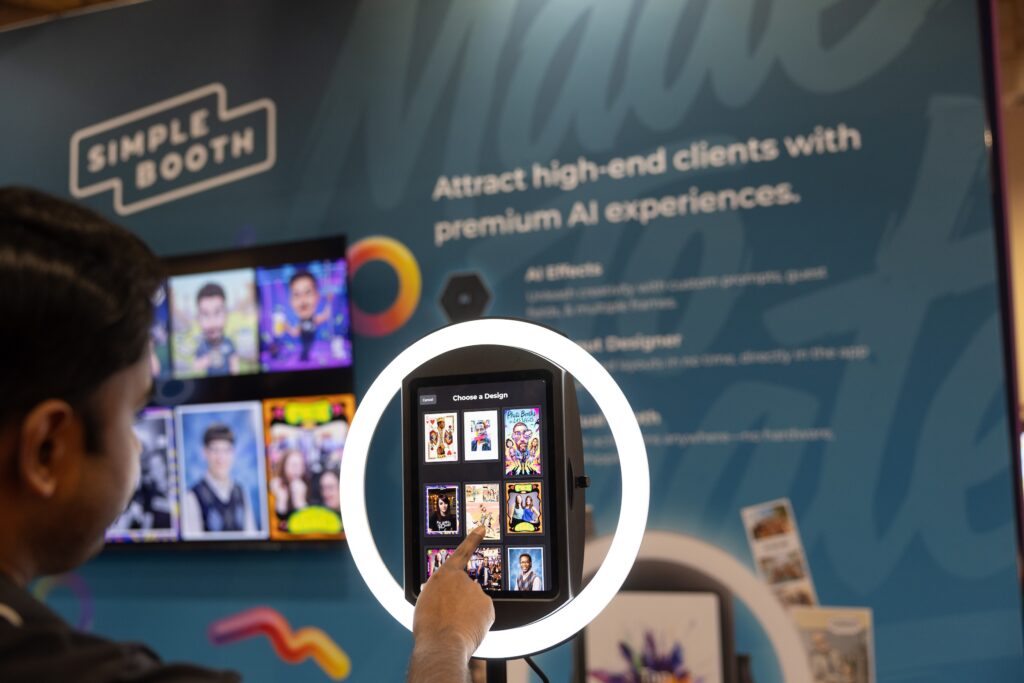
In this guide, we’ll walk through how to think about, write, and refine AI photo booth prompts. The lessons apply to any photo booth software you choose, and we’ll highlight the Simple Booth features that make the process easier along the way.
Want to see it in action first? Watch our walkthrough on building an AI photo booth experience.
What is a prompt?
A prompt is the instruction you write to tell an AI model how to transform an image. It’s written in plain, natural language, just like describing a scene to another person, and it can be as simple or as detailed as you like.
Here’s a simple prompt example:
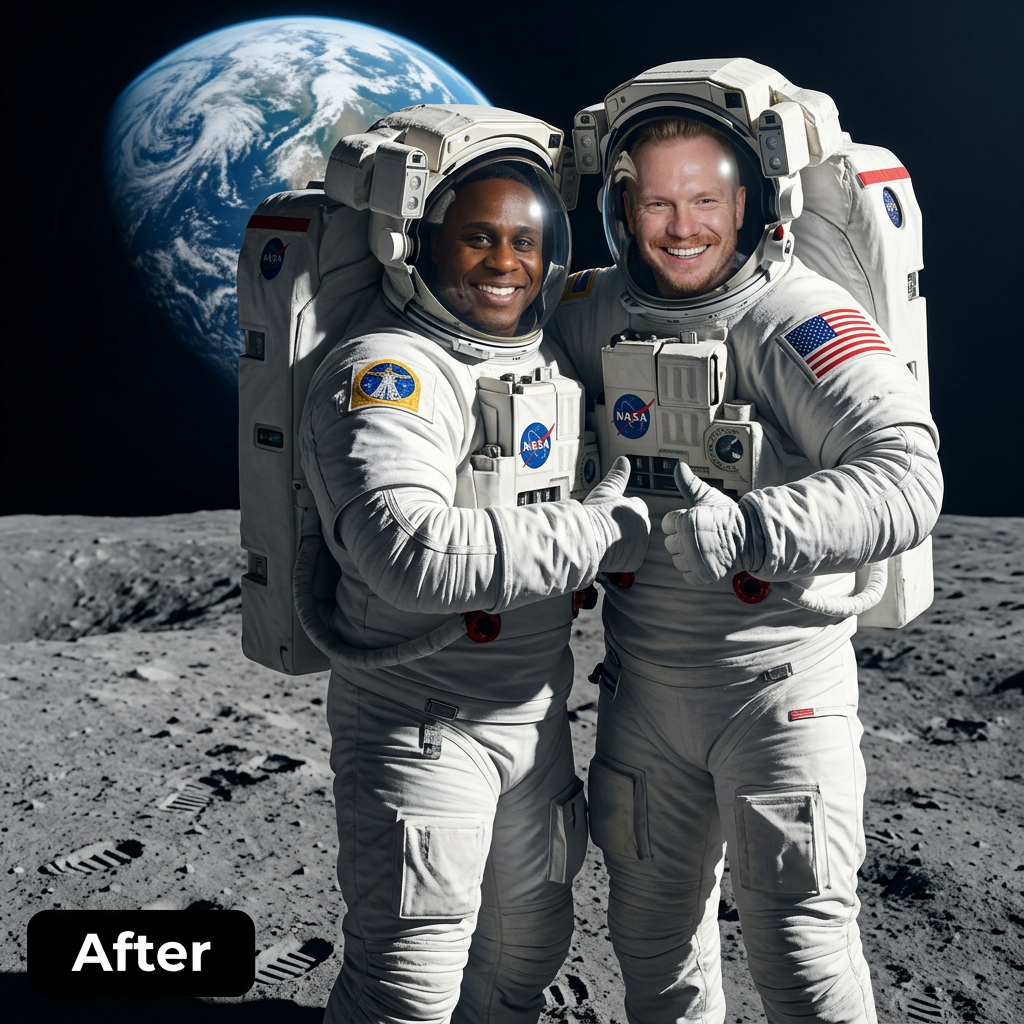
Turn them into astronauts standing on the moon.
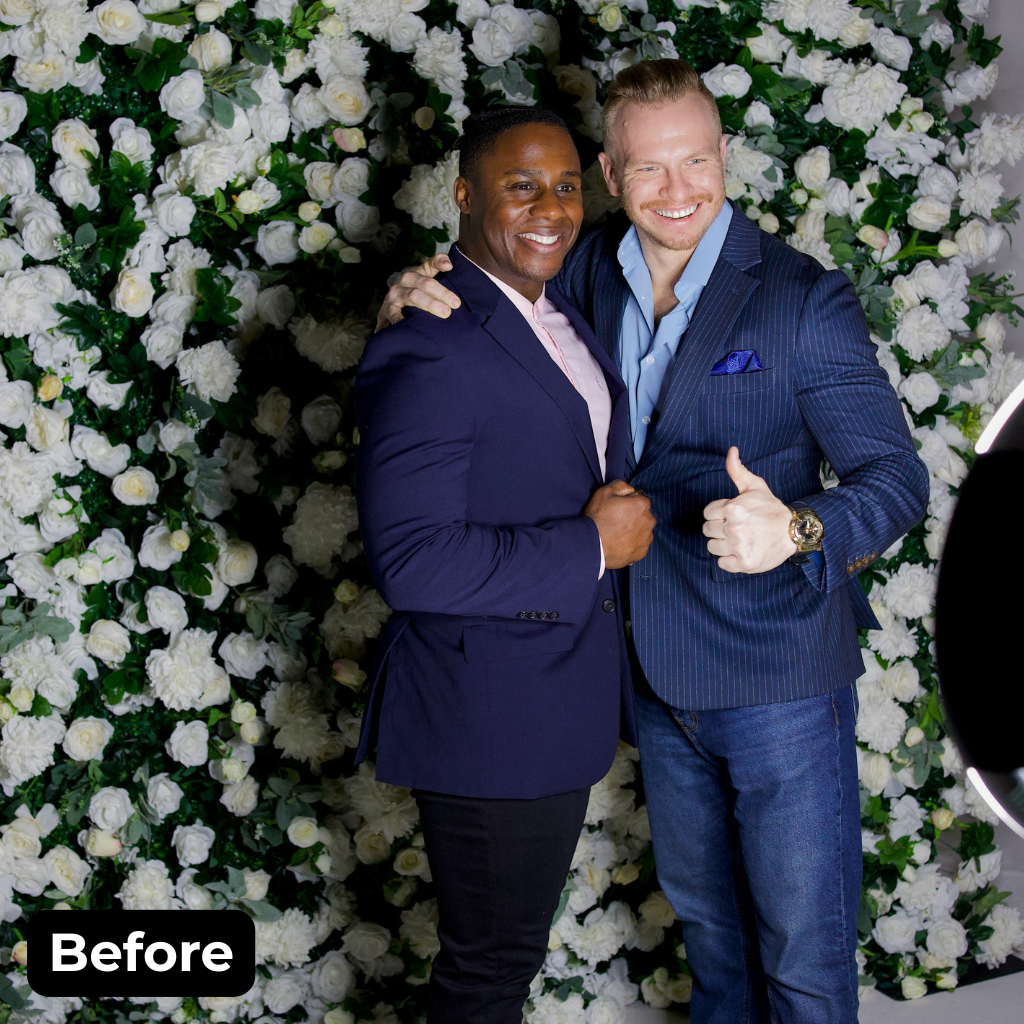
And a more elaborate version:
Turn them into astronauts standing on the surface of the moon, wearing realistic modern space suits with detailed fabric textures and reflective visors. The Earth is visible in the background, glowing against a dark star-filled sky. Cinematic lighting, soft shadows on the lunar surface, high detail, sharp focus, professional photography style.
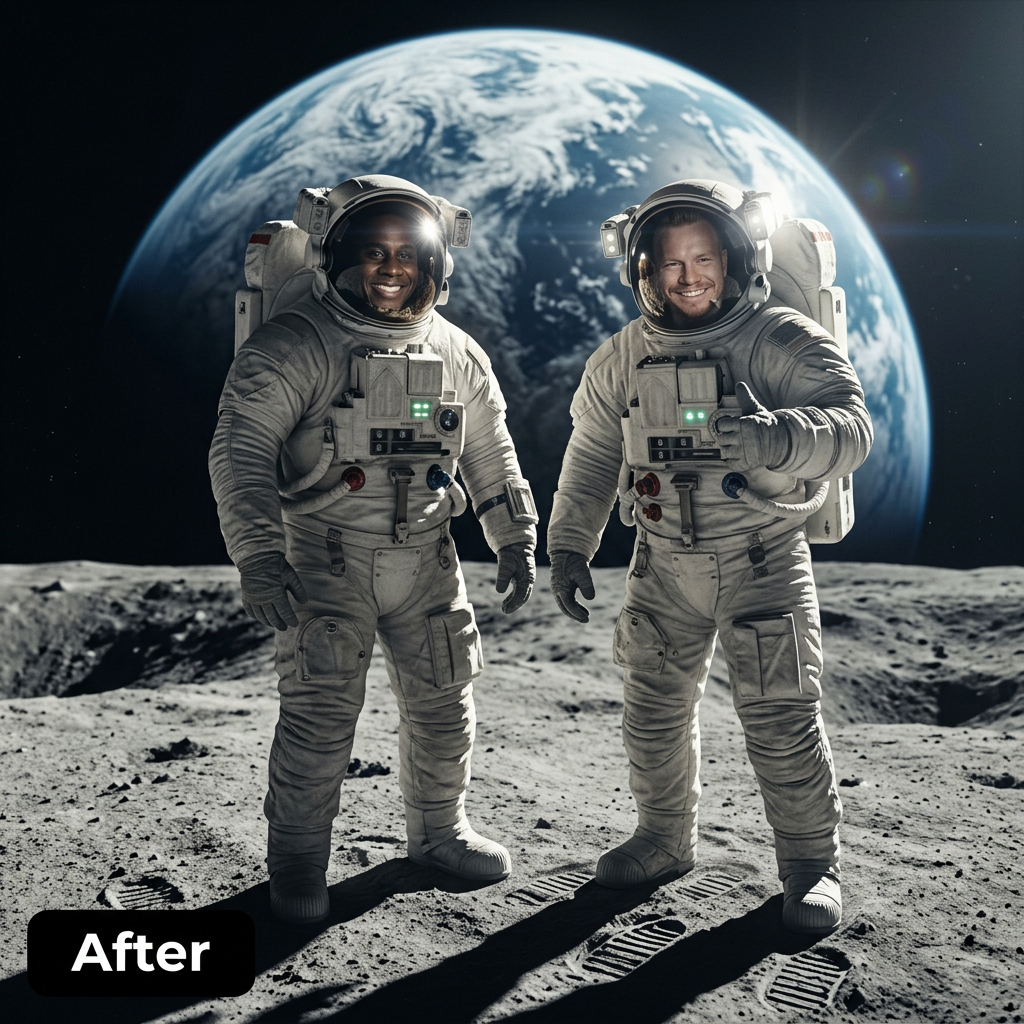
Both aim for the same concept. The detailed version gives the AI more direction, which usually leads to more consistent, higher-quality results.
One thing to know up front: AI image generation includes a degree of randomness, so you can run the same prompt on the same photo and get a different result each time. That’s normal, and it’s part of why testing matters (more on that below).
How to start writing a prompt
The opening of your prompt sets everything up.
You don’t need to say “Generate an image of…” because the AI already knows its job. Instead, use the opening to lock in the most important goal of an AI photo booth: keeping the guest recognizable.
A simple way to do that: start with “Turn them into…” or “Turn the person or people into…” so it works whether one guest or a whole group steps up. By avoiding specific physical features, a single prompt fits everyone.
From there, layer in the details that shape the scene:
- Environment — where the scene takes place
- Clothing — what the guests are wearing
- Composition — what’s in front of, behind, and around them (think beyond the costume, this is what creates depth)
- Lighting & color — the mood and palette
- Camera style & realism — cinematic, vintage film, photorealistic, illustrated, and so on
Start with the core idea, then build outward.
The prompt writing process
We recommend a simple, iterative process:
- Start with a short prompt and run it on an image
- See what the model comes up with
- If it adds a detail you like, add that to your prompt and run it again
- If it includes something you don’t want, add a rule to steer it (“keep outfits modest,” “photorealistic, not a cartoon”)
- Run the updated prompt and repeat
This is how you dial in a look over time.
A strong prompt is long enough to be specific but organized enough to stay focused. Group it into clear parts (subject, scene, lighting, finish) so key instructions don’t get buried. You have plenty of room, too, with prompts running up to 10,000 characters.
One more tip: if your scene includes any text, a sign, a jersey number, a magazine cover, spell it out exactly and ask for it to be “correctly spelled and clearly legible.” AI still struggles with text, so leave nothing to chance.
Best practices at a glance
Once you’ve got the hang of it, here’s the whole method in a quick checklist to keep handy:
- Anchor to the guest (“Turn the person or people into…”)
- Be specific about environment, lighting, color, and camera style
- Structure your prompt: subject, scene, lighting, finish
- Think composition, not just costume
- Spell out any text and ask for it “correctly spelled and clearly legible”
- Add rules for anything to avoid (like “keep outfits modest”)
Let AI help you write better prompts
If you want a shortcut to a more detailed prompt, you don’t have to start from scratch.
Simple Booth’s Expand Prompt feature uses AI to build out your idea, adding structure, lighting, environmental details, and stylistic direction from a short concept.
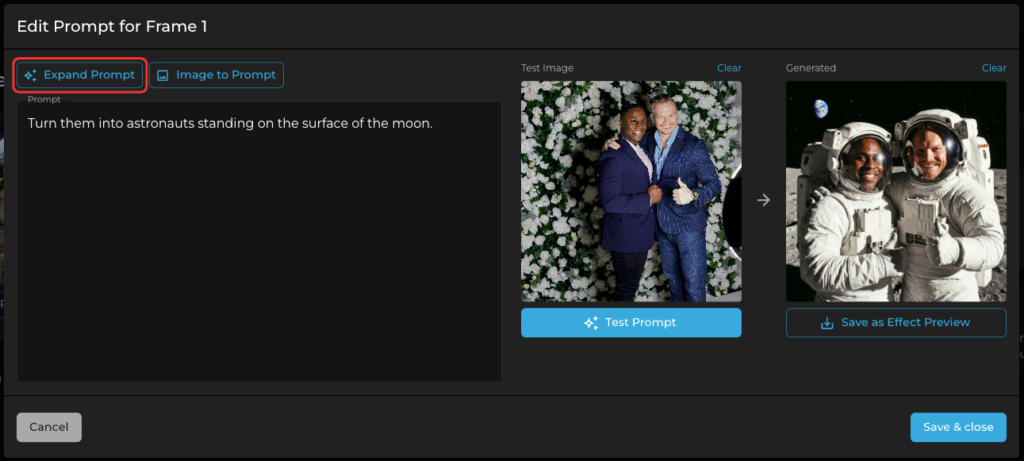
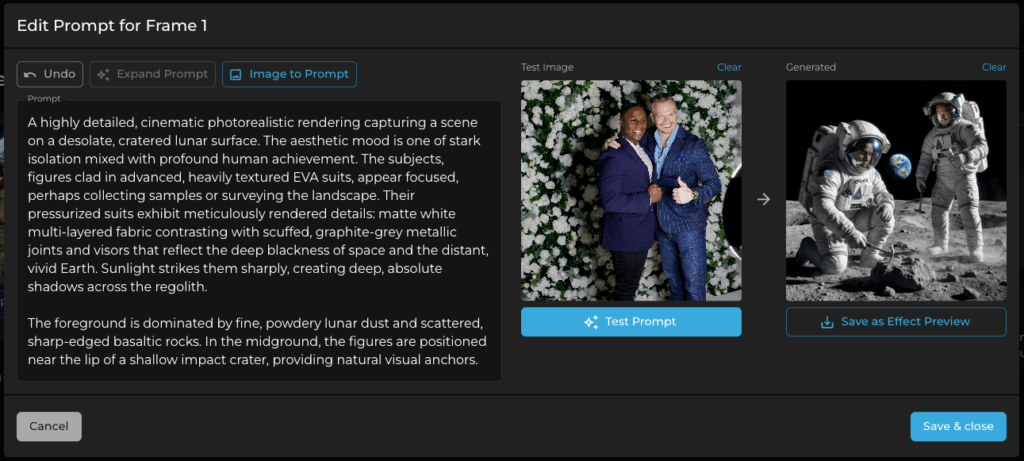
You can still refine the result by hand, but it’s a fast way to get from a rough idea to a polished prompt.
You can also seed a prompt from a reference image, or use an external chatbot to describe the output you want. For best results, use one from the same AI provider your photo booth software uses, since similar training data produces more aligned descriptions.
A couple of habits will make your prompts shine
First, lean on the familiar: these models are trained on real images, so nods to well-known styles and eras (think “1970s film photography” or “vintage comic-book ink”) tend to perform beautifully. Just keep it original and steer clear of trademarked characters, brands, and franchises.
Before you go live, test your prompt on a wide range of guests: people of different ages, hairstyles, ethnicities, genders, group sizes, and poses.
That’s the best way to know it’ll work for everyone, and it helps you catch the occasional surprise, like a look that lands a little too close to a trademarked character (a golden gown plus certain hair can read as a familiar animated princess).
Real-world testing is how you know your prompt holds up in the wild, not just on the one image you built it with.
What makes Simple Booth stand out
While these fundamentals apply to any AI photo booth software, Simple Booth includes tools that make the process more reliable, and more impactful, for live events and brand activations.
Subject Preservation controls let you lock the number of subjects, their poses, and their expressions, so guests still look like themselves. Just make sure your prompt and these controls agree: if you’re preserving expressions, let the prompt handle the scene and style rather than asking for a new expression, otherwise the two instructions pull against each other.
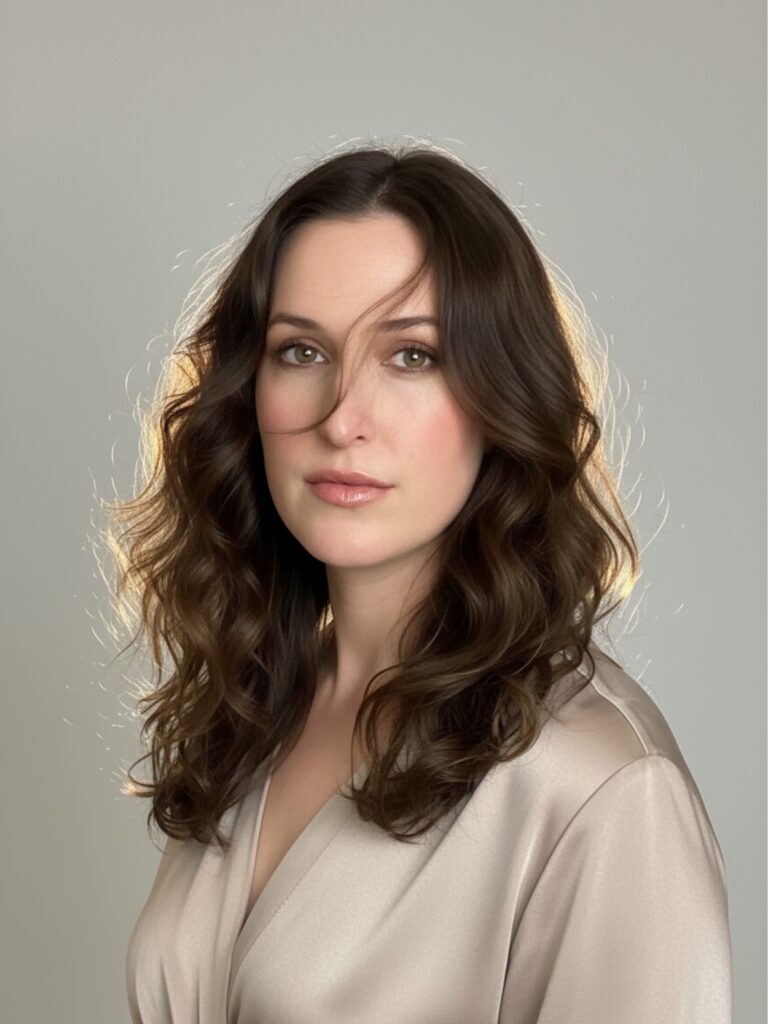
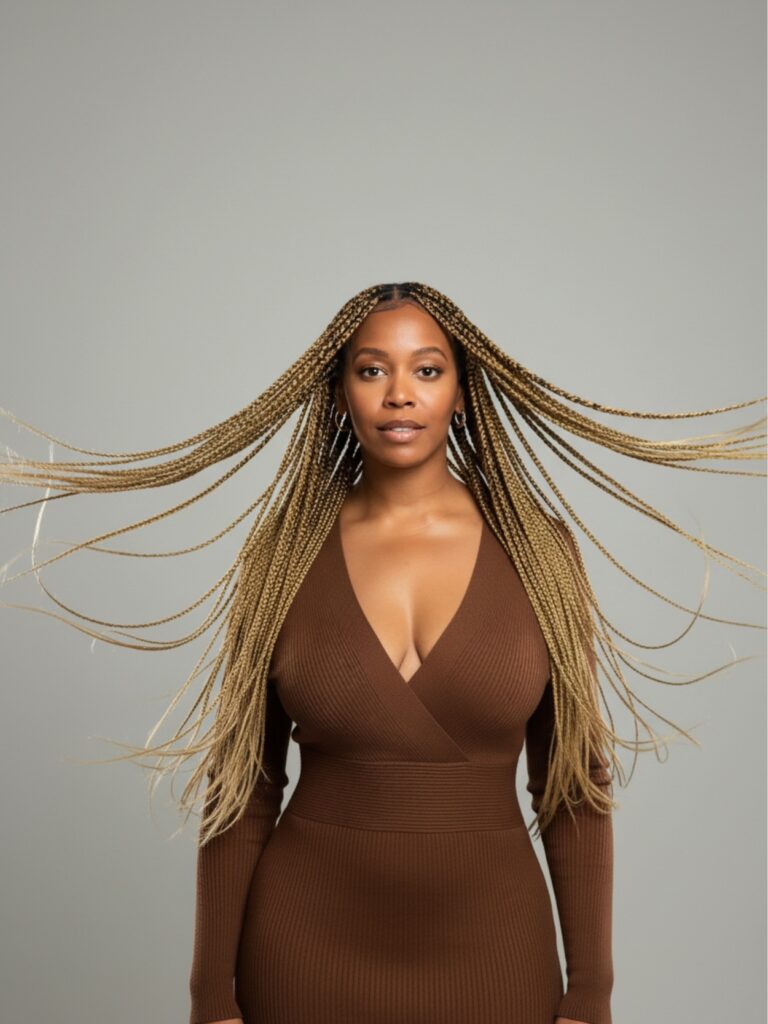
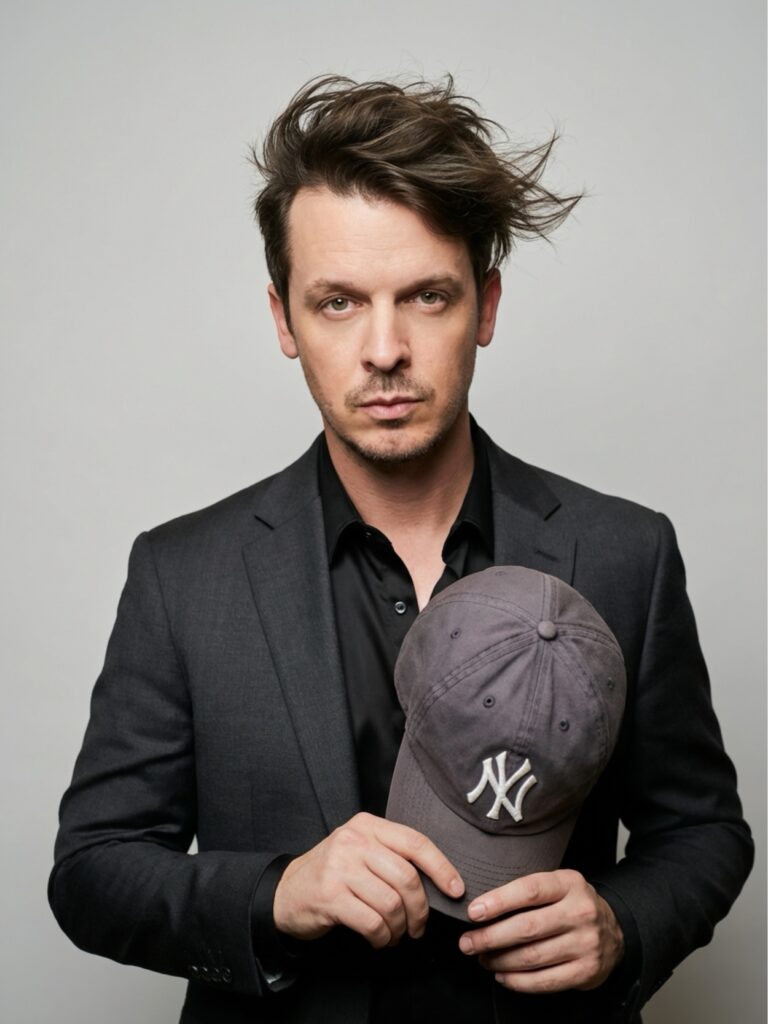
With Simple Booth, you can also choose between different AI models depending on your needs. Some prioritize speed, while others focus on higher quality results or group photos. Understanding which model to use can make a noticeable difference in output.
You can test and refine prompts in the web dashboard for free. Credits are only used when AI effects run live in booth mode or Virtual Booth. And once your experience is live, project a rotating stream of AI creations with the LiveFeed™ feature to draw a crowd and encourage participation.
Because AI generation happens in real time, a stable internet connection is required at events (keep a cellular hotspot handy as backup). For the full technical picture, our AI Effects documentation covers prompts, Subject Preservation, models, and more in depth.
Simple Booth offers a 7-day free trial with 25 complimentary credits, so you can test everything free of charge before going live. When you’re ready, the plans page has full pricing and credit details.
Putting it all together
Writing effective AI photo booth prompts is less about nailing the perfect wording on the first try and more about refining your idea over time.
Start simple. Run it. Adjust. Repeat, and test on a range of guests before your next event or activation.
As AI photo booths take off across brand activations, corporate events, and weddings, the event and marketing professionals who understand how to guide the output are the ones who’ll stand out.
Ready to build your own AI photo booth experience? Once you’ve created an account and started a trial or a subscription, head to the AI Effects page to explore ready-made prompts and build your own.
Start your 7-day free trial and begin experimenting today.